
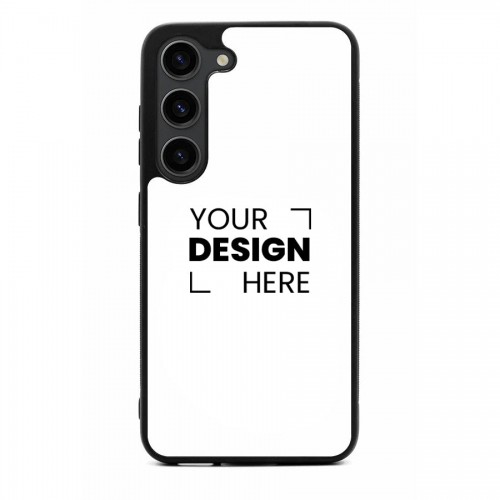

How to Design Your Case (3 Simple Steps):
1. Upload Your Design: Directly upload your favorite photo, logo, or graphic from your phone or social media.
2. Perfect Your Image Use our interactive customizer to scale, rotate, and crop your image. Make sure your subject is centered, what you see in the preview is exactly what we print!
3. Confirm & Checkout Review your design, check the “Rights Confirmation” box, and add to cart.
Carry Moments Tip: For Samsung’s multi-lens camera systems, ensure the “action” of your photo isn’t located in the top left corner to avoid being cut out by the camera housing. All our phone cases are white in color, if there is an empty space around your image, it will by default have a white color.
Be the first to review “Galaxy S25 Not MagSafe compatible”
Related products
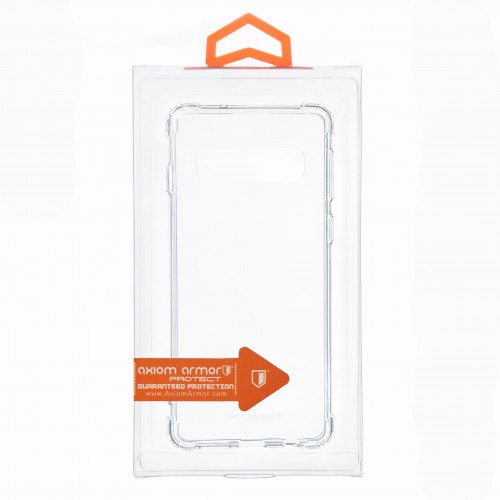
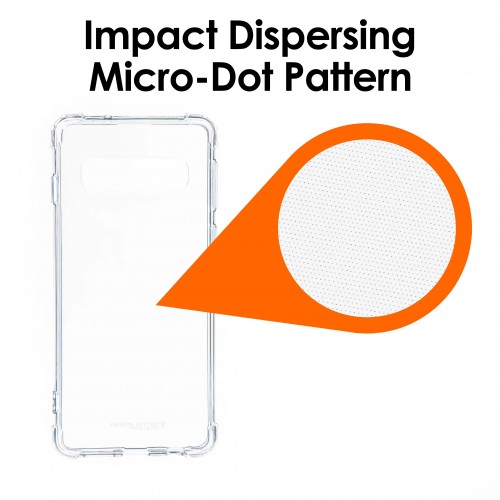
Axiom Armor®
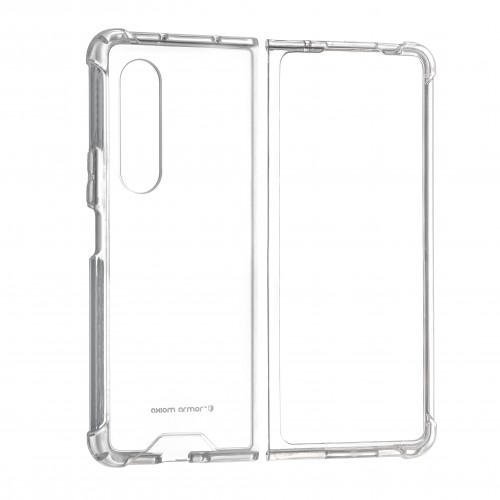
Axiom Armor®
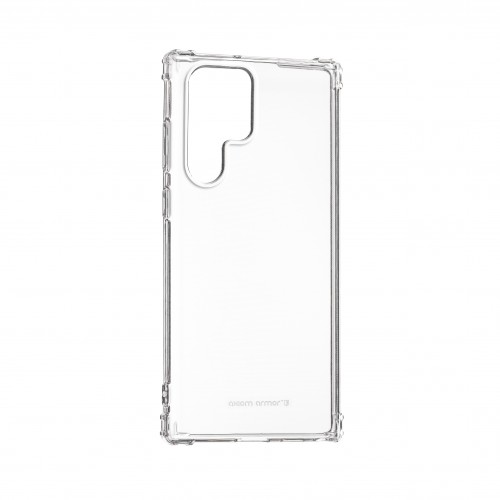
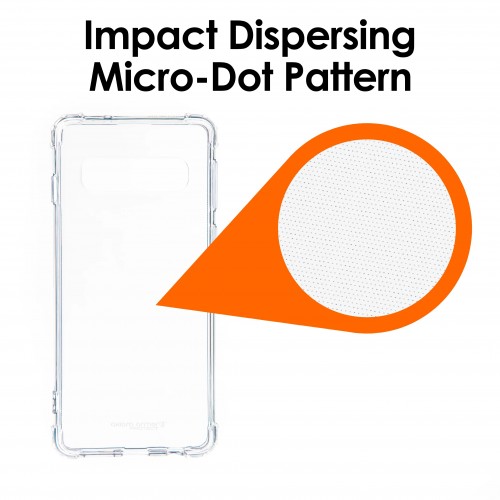
Axiom Armor®

Axiom Armor®

Axiom Armor®
Axiom Armor®
Axiom Armor®
Axiom Armor®
Reviews
There are no reviews yet.